Best Screenshot APIs to Use in 2026
Software comparisonsFigure out what the best Screenshot API tools are for taking full-page captures of various websites conveniently for SEO audits, testing, and other use cases.


Kazys Toleikis
Key Takeaways
-
Screenshot APIs automate screen captures for SEO, testing, monitoring, and other tasks.
-
Prioritize accuracy and reliability when choosing a screen-capturing API.
-
Some of the best screenshot APIs are URLBox, ScreenshotAPI.net, ScreenshotOne, and others.
You might not need to deal with complicated JSON extraction, CAPTCHA tests, and parsing. Often, a clean screenshot can do the trick – especially since AI tools can transcribe almost any screenshot in seconds.
One way to take screenshots at scale is to build your own tool with a headless browser like Playwright . Often, however, a more convenient solution is to use one of the best screenshot APIs that can take your website screenshots without much hassle.
What Is a Screenshot API?
Screenshot APIs are tools (often cloud-based) that programmatically capture screenshots from given website URLs. They handle the HTTP requests, headless browsers, and everything else, eliminating the need for you to maintain your own infrastructure or manually take photos.
Most popular screenshot APIs run their own remote servers with Puppeteer or Playwright setup and have them fine-tuned for popular websites. Once you provide a website, it waits for the page to load and captures the screenshot.
If you don’t need to capture specific JavaScript elements that require long waits or complex actions, APIs are a convenient solution. They are pretty standard in various real-life use cases:
- SEO audits might benefit from a scheduled influx of screenshots for key pages to track changes, SERP performance, and other metrics visually.
- Visual testing processes use screenshot APIs to check whether developed web pages load in the way that was intended.
- Competitor monitoring can use screenshots of sites where other brands sell or promote their products to compare prices, designs, feedback, and other information.
- Reporting in dashboards and other communication methods uses screenshot captures to represent data or specific changes visually.
- Scraping visuals from websites might be faster with screenshots than scraping and parsing complicated structures.
How to Choose the Right Screenshot API
A good rule of thumb for choosing a Screenshot API is to prioritize accuracy. Try to take one or two screenshots from complicated websites of interest and see how well the API captures all elements and handles JavaScript rendering. If you can take screenshots from complex websites with all the needed information, look for more specific details.
- Full-page support. Much of the valuable information is below initial access in popups, footers, interactive menus, or tables. Some APIs are better at capturing full-page screenshots than others. Understand what you actually need before subscribing to a tool.
- Headless browser rendering. APIs that run real browser engines (usually, Chromium or Firefox) in headless mode are better at executing JavaScript, loading different fonts, and other web page complexities.
- Mobile/desktop options. Not all APIs can get images from the viewpoint of mobile devices or other technical specifications. If you need some specific screenshot versions, check whether your API supports it.
- API rate limits and speed. Some APIs are more aggressive in limiting how many website screenshots you can get in a given timeframe. If you need to scale your project fast, use an API that has fewer limits.
- Integration flexibility. Depending on your current workflow, look for integration opportunities such as REST endpoints, official SDKs, webhooks, or others. There’s no one correct answer here, but ideally, a screenshot API shouldn’t be too difficult.
Top Screenshot APIs
URLBox
- Core features: Full JavaScript execution, configurable delays, viewport emulation (mobile/tablet/desktop), async processing, dark mode, and more.
- Pricing: From $19 per month.
- Who it’s best for: Developers and agencies in need of an enterprise-level API for large-scale screenshot generation.
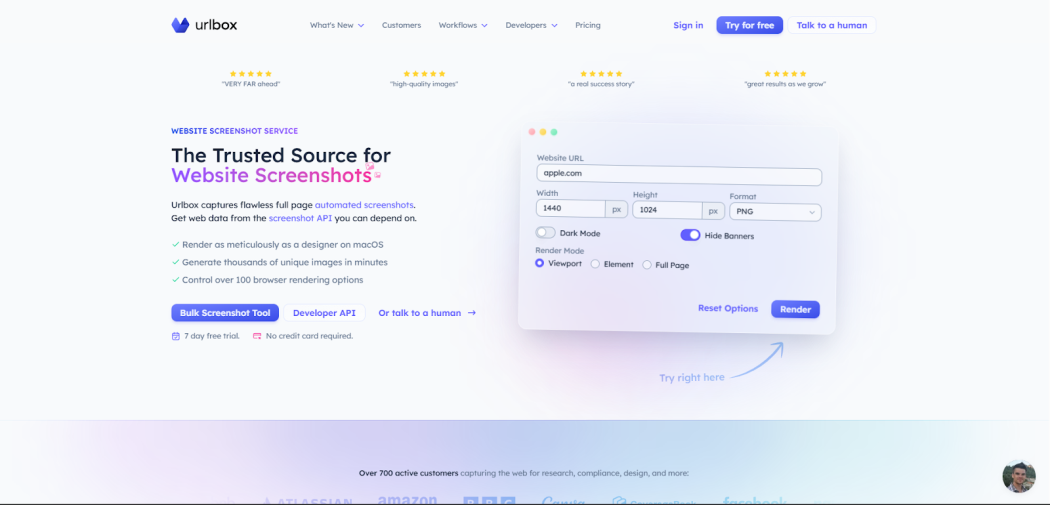
URLBox has been in the market since 2012, so you can expect an established infrastructure and extensive documentation. While its flexible integration is best for large-scale projects, beginners will find it easy as well.
Pros
- Accurate rendering with a real Chromium browser
- Many customization options
- Well-implemented Async processing capabilities
Cons
- The pricing model doesn’t scale well
- Short free trial (7 days)
ScreenshotAPI.net
- Core features: Real Chrome browser rendering, JavaScript execution, geolocation-based rendering, bulk CSV/JSON upload, and more.
- Pricing: From $9 per month.
- Who it’s best for: Developers and SEO professionals who need a rich API for screenshots.
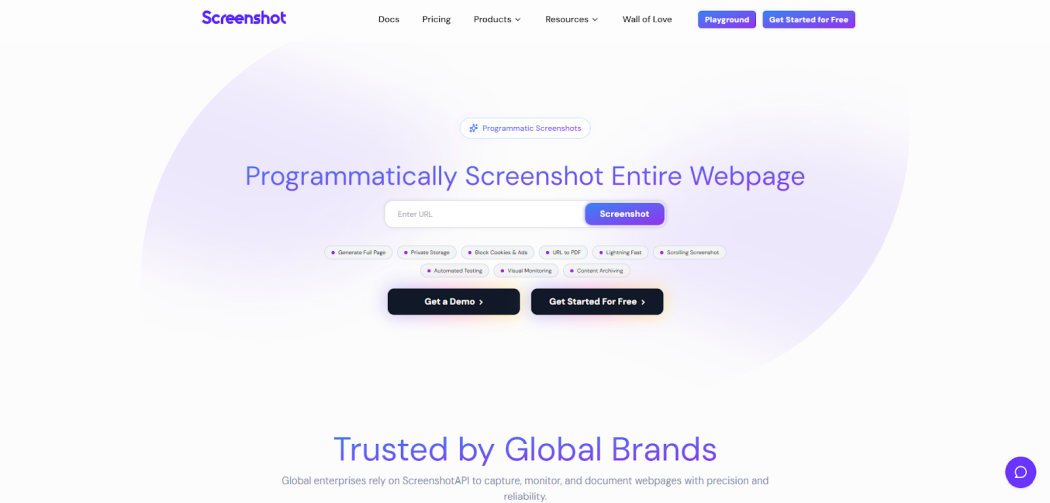
Features like blocking ads and cookie banners make ScreenshotAPI.net an excellent option for small-scale projects that don’t have a large budget. Its no-code integrations are a great starting point for getting screenshots without learning a programming language.
Pros
- Automatic ad and cookie banner blocking
- Bulk scheduling and processing
- Many devices and geolocation presets
Cons
- Documentation lacks some details
- Strict rate limits
APILayer (Screenshotlayer)
- Core features: Custom rendering in various formats, full page screenshots, viewport control (mobile/tablet/desktop/custom), parallel processing, and more.
- Pricing: From $19.99 per month.
- Who it’s best for: Developers who need a simple and cost-effective screenshot solution with REST API integration.
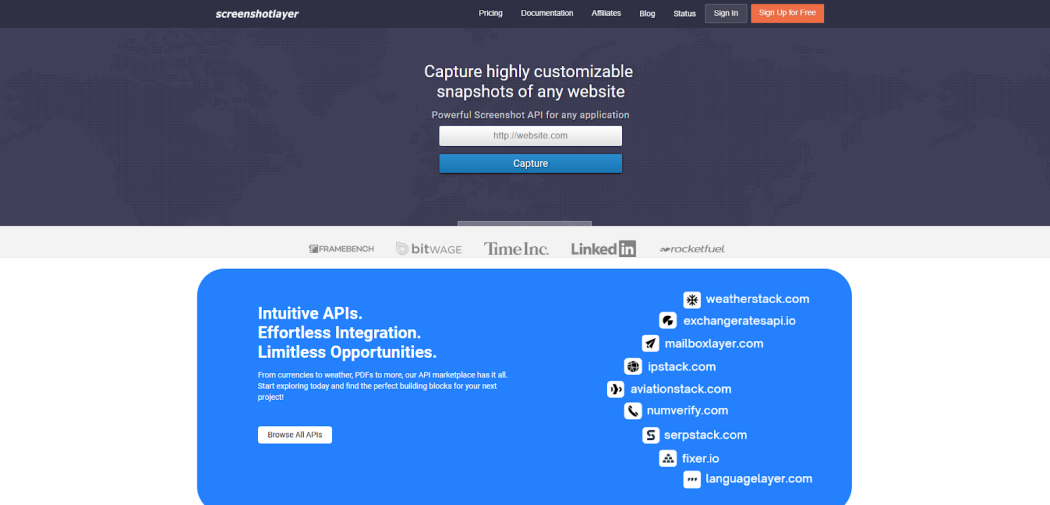
Screenshotlayer is a part of the APILayer, which ensures great support and integration possibilities if you’re already using their APIs. The pricing will not overcomplicate your budget, and some projects might even do well with their free plan.
Pros
- Free plan with 100 snapshots
- CDN storage
- Extensive documentation and support
Cons
- Less specialized than dedicated screenshot-only services
- May lack JavaScript rendering features
ScreenshotOne
- Core features: JavaScript rendering with Chromium browser, dark mode emulation, scrolling pages, video generation, viewport emulation (50+ devices), and more.
- Pricing: From $17 per month.
- Who it’s best for: Startups and developers that need a scalable screenshot API.
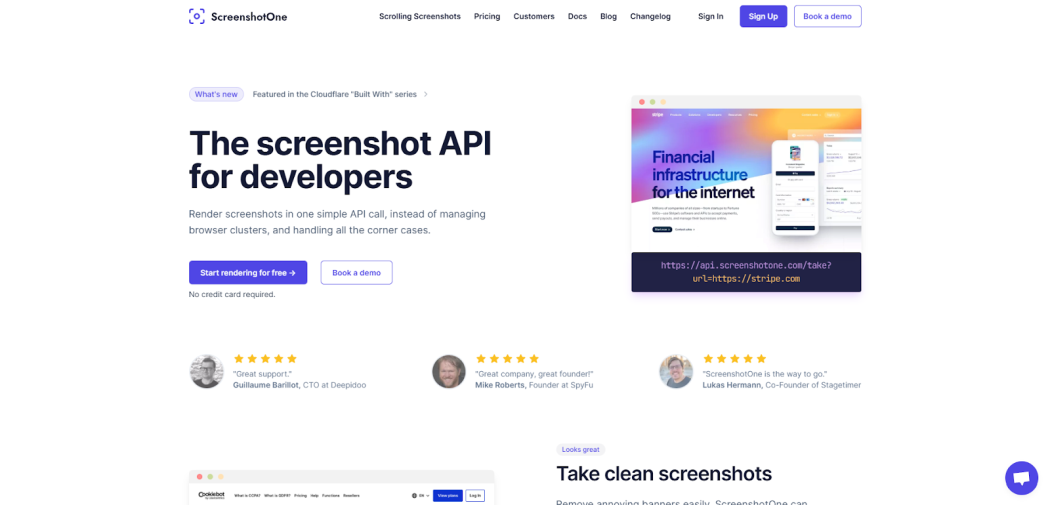
ScreenshotOne stands out for being built on Cloudflare infrastructure, which ensures great performance and an overall developer-friendly experience. The pricing and features are aimed at scaling your project if needed.
Pros
- Remove ads, cookies, or chat banners easily
- Fast response time
- Actively developed features and integrations
Cons
- Advanced features are locked under premium subscription tiers
- Might require additional tools for complex JavaScript
PageScreen.io
- Core features: Full-page rendering with JavaScript support, scheduled monitoring, webhook & Slack integration, Screenshot archive.
- Pricing: From $16 per month.
- Who it’s best for: Marketing, compliance teams, and others who need to monitor websites.
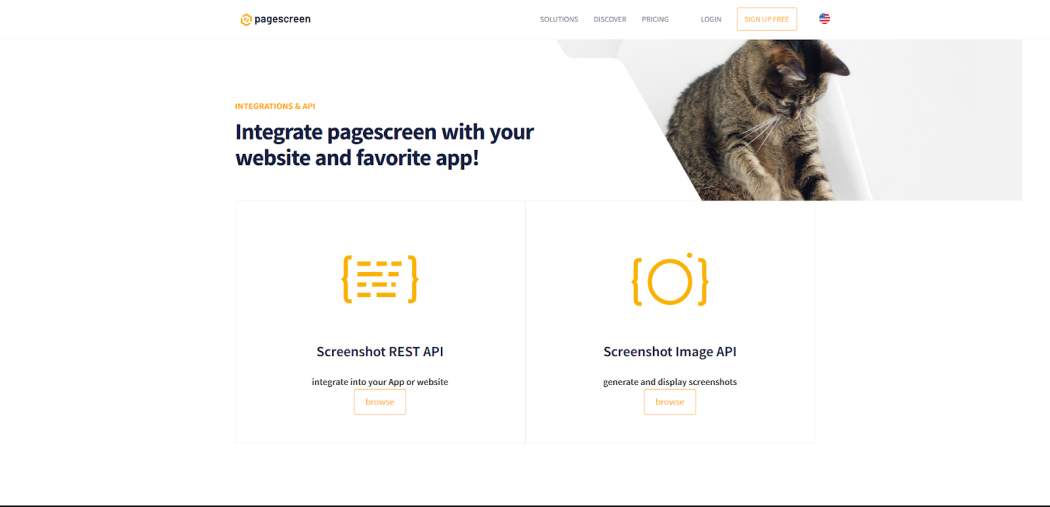
PageScreen is more of an automated website monitoring platform than a screenshot API. Yet, it has a big emphasis on visual change detection and archiving, so it can work in various use cases.
Pros
- Low cost per capture
- Built-in alerts for website changes
- Free trial with full features
Cons
- Focus on monitoring might lack for other use cases
- Sparse documentation
Conclusion
All screenshot APIs in this list are viable for screen captures. Define your use case and its scale clearly, and give a few tools a try to see which one works. Most of them offer free trials, so take advantage by setting up a few accounts, then commit to a subscription.
FAQ
Which screenshot API is best?
The choice depends on your budget, targets, and the scale of your project. Some find that the best screenshot APIs ensure no-code functions, while others want reliability on different web pages or a lower price. Some of the best screenshot APIs are URLBox, APILayer, ScrapingBee, and others mentioned in our list.
Can a screenshot API handle JavaScript content?
Are screenshots generated by APIs trackable?
There’s no standard way for websites to know when a picture was taken with an API or other methods. Automated tool usage, including screenshot APIs, might be traced. So a website might know that an API request was made, but it’s of little help in tracking the screenshots taken.
How fast are screenshot APIs?
Most tools return a needed website screenshot in a couple of seconds, but in practice, the speed depends on the target complexity and scale. Capturing JavaScript elements might involve wait times, button clicks, or other actions that delay the result. Similarly, large-scale projects will take more time because more screenshots have to be produced.