'/%3e%3cellipse%20opacity='0.34'%20cx='327.5'%20cy='339'%20rx='264.5'%20ry='264'%20fill='url(%23paint1_linear_12724_35442)'/%3e%3cdefs%3e%3clinearGradient%20id='paint0_linear_12724_35442'%20x1='327'%20y1='-2.524e-06'%20x2='327'%20y2='389.286'%20gradientUnits='userSpaceOnUse'%3e%3cstop%20stop-color='%2327D9E5'/%3e%3cstop%20offset='0.927406'%20stop-color='%23004047'%20stop-opacity='0'/%3e%3c/linearGradient%3e%3clinearGradient%20id='paint1_linear_12724_35442'%20x1='328.02'%20y1='74.7771'%20x2='328.02'%20y2='395.312'%20gradientUnits='userSpaceOnUse'%3e%3cstop%20stop-color='%2327D9E5'/%3e%3cstop%20offset='0.927406'%20stop-color='%23004047'%20stop-opacity='0'/%3e%3c/linearGradient%3e%3c/defs%3e%3c/svg%3e)
Incogniton Review: Managing Multiple Online Identities at Scale
Software comparisonsIncogniton controls your browser fingerprint. IPRoyal controls your network origin. Here is how the two tools work together for multi-account management.


Milena Popova
Picture a scenario where every account is live, every proxy is rotating, and every tab is running in private mode. Then, without warning, everything gets flagged at once. Not one account, but all of them simultaneously. The instinct is to blame the IP. It rarely is.
What actually linked those accounts is something far harder to shake: the browser fingerprint. Once you understand how browser fingerprinting works , the rest of this review makes much more sense.
The Problem With How Most People Think About Detection
IP addresses and cookies get most of the attention in multi-account discussions, but modern platform detection has long since moved past both. What platforms actually scrutinize is a composite of low-level browser signals that stay stable regardless of what you do at the network or cookie layer:
- Canvas and WebGL rendering output
- Operating system and timezone
- Screen resolution and device pixel ratio
- Installed fonts and connected media devices
- Audio context fingerprints and hardware parameters
None of these details changes when you switch IPs. None of them clears when you wipe cookies or launch a new private window. They are properties of the browser environment itself, and they travel with every request you make.
When two accounts share enough of these signals, even partially, correlation does the rest. Platforms are not looking for proof. They are looking for patterns.
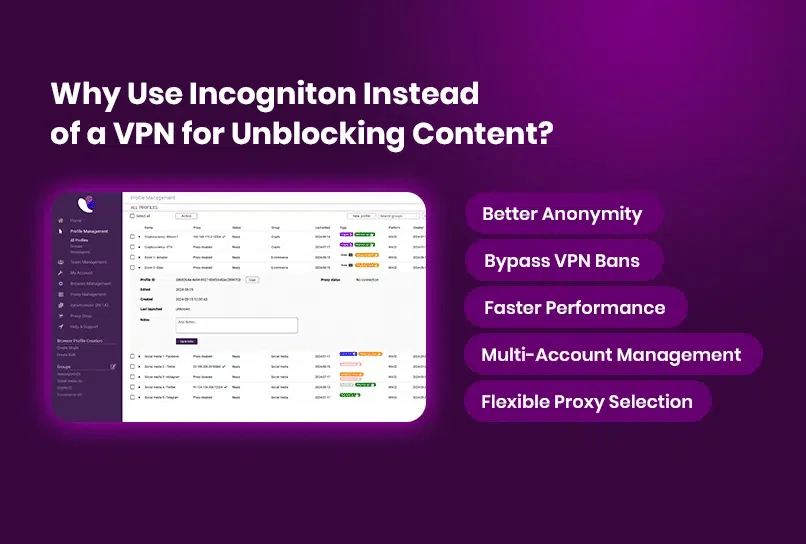
This is where anti-detect browsers come into play. Rather than layering more IP rotation on top of a fundamentally exposed browser environment, tools like Incogniton intervene at the signal layer itself.
What Incogniton Actually Does
Incogniton is an anti-detect browser designed around one core idea: every profile should look, to any external observer, like a completely separate physical device.
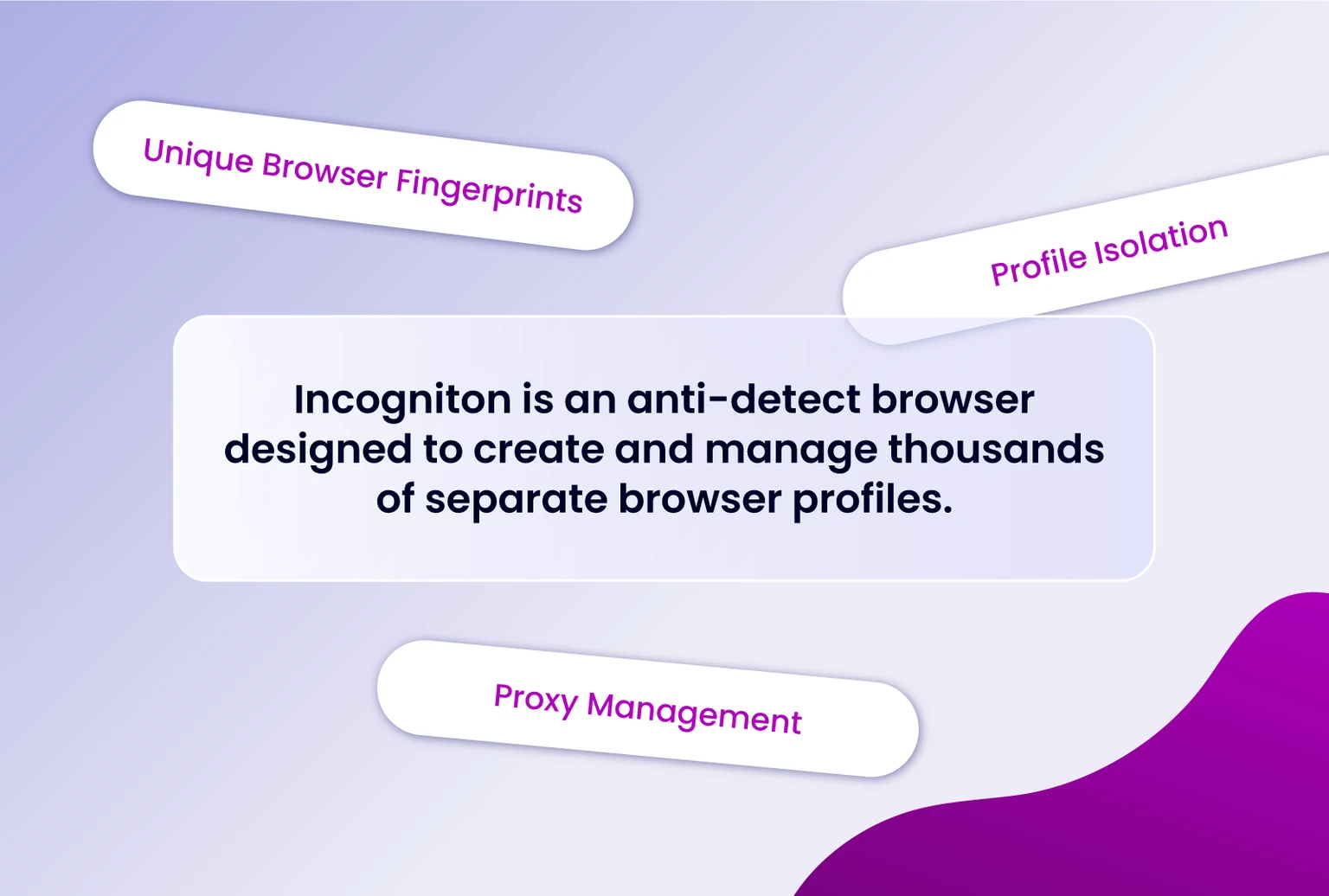
That means more than swapping a user agent string. Each profile in Incogniton is assigned a stable, internally consistent fingerprint built from a controlled combination of browser, system, and hardware attributes. The storage layer, configuration, and browser content are isolated, so running 10 profiles on a single machine produces 10 distinct device identities externally.
Critically, those identities do not drift between sessions. The same profile opened today looks identical to the same profile opened two weeks from now.
That consistency is the baseline requirement for any account that needs to age naturally or sustain long-term behavioral patterns. Throwaway identities are easy. Durable ones are the bigger challenge, and that is the one Incogniton is built to solve.
One note worth mentioning: Incogniton is developed in the Netherlands and operates under GDPR-compliant data standards, which matters for teams with data handling obligations.
If you want a deeper explanation of these mechanics, the Incogniton Knowledge Hub contains detailed guides on topics such as browser fingerprints and multi-account management.
Core Features
Understanding the individual features matters because they connect. Proxy management feeds into profile isolation, which in turn affects how automation and team workflows perform over time.
Profile-Level Proxy Management
Every profile in Incogniton carries its own proxy assignment, independent of every other profile. Supported types include residential, mobile, and datacenter proxies, with additional options available through the built-in proxy marketplace.
The critical point is that network identity is bound at the profile level rather than the application level. This approach prevents shared network state from leaking across profiles and creating unintended correlations. More details about this setup can be found in the section that covers using Incogniton with IPRoyal proxies.
Persistent, Isolated Profiles
Fingerprint isolation is not a one-time setup. It persists. Every time a profile is opened, it presents the same controlled set of signals it did on day one.
This stability is what allows accounts to operate long-term instead of degrading after only a few sessions. The concept is closely related to how browser profiles work inside anti-detect browsers.
Cookie Management
Fresh profiles can be a liability on platforms that treat historical activity as a trust signal. Incogniton addresses this with a built-in Cookie Collector that simulates organic browsing behavior to warm up new profiles before they are used. Import and export tools are also available for transferring cookie states across workflows.
Combined with persistent profile isolation, this allows profiles to be prepared and maintained without having to start from scratch each time. More information is available in the Knowledge Hub article on cookie management.
Automation Support
For teams running scripted workflows, Incogniton provides a documented API with Python and TypeScript SDKs for profile creation, management, and lifecycle control. Native integrations are available for Playwright , Puppeteer , and Selenium .
This allows automation scripts to run inside fully isolated profile environments while maintaining fingerprint integrity. Implementation details and code examples are also available in the Incogniton developer documentation.
Team Collaboration
Profiles can be assigned to team members through role-based access controls, with state synchronized through encrypted cloud storage.
This allows multiple people to work with the same profile set across different devices without duplicating environments or disrupting session continuity. The collaboration workflow is explained further in the Knowledge Hub guide to team management.
Using Incogniton With IPRoyal
Incogniton controls the browser and device fingerprint layer. What it does not manage is the network layer, and that is where IPRoyal fits in.
IPRoyal provides several proxy types, each suited to different workflows:
- Residential proxies route traffic through real household IP addresses assigned by ISPs. Because they resemble normal consumer traffic, they are commonly used for accounts that require the highest trust level.
- ISP proxies, also called static residential proxies, combine residential IP attribution with datacenter stability. The IP remains fixed across sessions, making them useful when long-term session consistency is important.
- Datacenter proxies are faster and more cost-efficient, making them suitable for automation-heavy workloads where throughput matters more than residential origin.
- Mobile proxies route traffic through carrier-assigned mobile IPs. These are useful when a workflow needs to resemble activity from mobile devices or mobile networks.
The pairing is straightforward. Incogniton defines the device identity, while IPRoyal defines the network origin. Keeping both layers consistent allows profiles to behave like independent devices online.
For step-by-step instructions, visit our tutorial on using IPRoyal proxies with Incogniton .
Final Verdict
What makes Incogniton worth using is the same principle that makes the IPRoyal pairing effective. Each tool focuses on a different layer of the environment. Incogniton controls the device identity, while IPRoyal controls the network origin.
The fingerprinting problem described at the beginning of this review does not have a simple fix. Addressing it properly requires controlling both the device and network identities independently and consistently.
For additional setup documentation, best practices, and technical reference material, the Incogniton Knowledge Hub provides detailed guides and explanations for both new and advanced users.