Types of Residential Proxies: How to Choose the Right One
Proxy fundamentals

Vilius Dumcius
Key Takeaways
-
Choosing the right residential proxy requires matching your project's needs to the correct combination of IP behavior, access model, and network source.
-
Use rotating IPs for scraping, sticky sessions for multi-step checkouts, and static IPs for long-term account management.
-
Shared proxies are budget-friendly, but high-stakes tasks often need dedicated or mobile proxies to reduce the risk of shared blacklists.
Residential proxies act as intermediaries between users and websites, meaning requests are sent to the proxy before reaching the target site. It significantly lowers your chances of getting blocked.
Because these IP addresses belong to real devices on standard ISPs, target websites view them as regular traffic rather than datacenter bots, though they are more expensive than datacenter proxies.
Finding the right residential proxy depends on your use case; options include static, rotating , sticky, dedicated, shared, and mobile IPs, though configuring residential proxies can be complex.
Here is a quick overview of the key differences before getting into the specifics of each type.
Types of Residential Proxies at a Glance
| Residential proxy type | IP behavior | Access model | Best for | Pricing model |
|---|---|---|---|---|
| Rotating residential proxies | Changes per request or set interval | Shared pool | Large-scale web scraping, SEO monitoring, ad verification | Pay per GB |
| Sticky residential sessions | Remains the same for a specific duration | Shared pool | Account creation, checkout bots, multi-step tasks | Pay per GB |
| Static residential / ISP proxies | Remains constant for the billing period | Dedicated or shared | Social media management, online gaming | Pay per IP / monthly |
| Dedicated residential proxies | Fixed to a single address | Exclusive to one user | High-security tasks, avoiding shared IP bans | Pay per IP / monthly |
| Shared residential proxies | Variable (rotating or static) | Shared among multiple users | Cost-effective general browsing, basic scraping | Pay per GB |
| Mobile residential proxies | Rotates through cellular networks (3G/4G/5G) | Shared pool or dedicated | Mobile app testing, ad verification, bypassing strict anti-bot systems | Pay per GB |
Note: These categories frequently overlap in practice, as providers commonly mix features to offer setups like shared rotating networks, dedicated static ISP addresses, or sticky mobile sessions.
How Residential Proxy Types Are Categorized
To simplify your choice, residential proxies are generally categorized in three distinct ways:
- By IP behavior. It defines how often your IP address changes. The main variations are static, rotating, and sticky.
- By access model. It determines who else is using the proxy. The IPs can either be dedicated exclusively to you or shared among multiple users.
- By network source. It indicates where the IP address originates: standard residential (home Wi-Fi), ISP (datacenter-hosted but ISP-registered), or mobile (cellular networks).
Rotating Residential Proxies
Their IPs change frequently, usually after each request or at set intervals, making you appear to be a new user whenever you access the same site. This way, it’s harder for site servers to detect and block you.
The best rotating proxy services also offer sticky sessions, allowing you to keep the same IP for a set period. This functionality is essential for social media management, web scraping, price monitoring, web testing, and similar tasks.
As a residential rotating proxy user, you get access to the entire proxy pool just like any other user. So these IPs are almost always shared. Some providers do offer dedicated rotating pools, but this requires scale and is priced accordingly.
Despite being shared, these proxies still provide high anonymity and privacy because they are sourced from real residential users and ISPs. On the other hand, residential users have worse internet service than businesses, which makes rotating (shared) residential proxies somewhat slower and less reliable than static residential and dedicated proxies.
Global Pool, Precise Targeting, Zero Contracts
Premium Residential Proxies
Sticky Residential Sessions
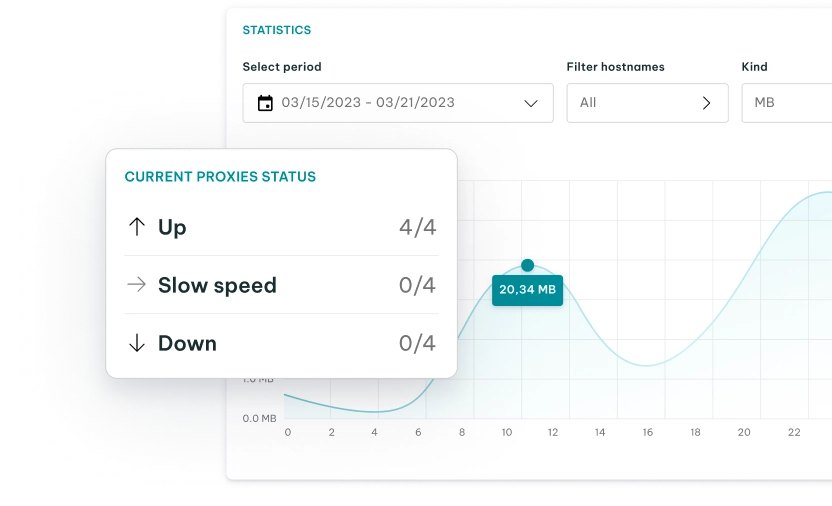
Sticky sessions are a configuration feature within rotating residential proxy networks. Instead of relying on constant IP rotation for every request, a sticky session maintains the same IP address for a specified duration, with the industry standard being 1 to 30 minutes, though some providers like IPRoyal take it a step further and offer a duration ranging from 1 second to 7 days.
It lets you retain the same session and IP while browsing a website naturally, rather than jumping between different global locations within seconds.
The proxy type is highly effective for tasks that require a persistent connection to complete a multi-step workflow. It’s used for short-term operations like account creation, online shopping checkouts, sneaker bots, etc.
If you need to log into a platform and perform several actions under the same identity without triggering alerts, sticky sessions provide the necessary stability.
Static Residential Proxies / ISP Proxies
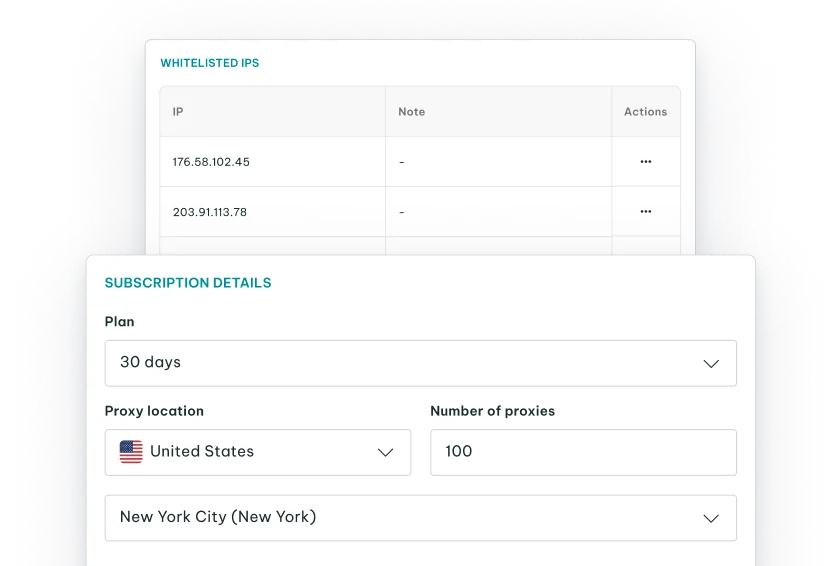
These are proxy servers (most of which are dedicated by default, though there are shared options) obtained from regular internet service providers (ISPs) and hosted on servers in data centers. They are also known as ISP proxies .
While these proxies originate from data center servers, web servers still see them as genuine residential IPs because the address is retrieved from an ISP like it would for a residential proxy. They combine the best qualities of residential and dedicated datacenter proxy servers – anonymity and high speeds. Consult our in-depth comparison for a better overview of datacenter vs. residential proxy use cases.
These proxies have IP addresses that never change. So, you can use them to access the same site multiple times without raising any red flags as you would with different IPs.
The target site will think your requests are coming from the same place, so you’re less likely to get detected or banned. For that reason, these proxies are ideal for account management, SEO monitoring, banking, and even bandwidth-intensive tasks such as conferencing and video streaming. Depending on the provider, they can be shared or dedicated.
Dedicated Residential Proxies
Technically, a dedicated residential proxy should simply be a regular residential proxy with an IP assigned exclusively to one person. It has become common practice among many providers, however, to use the term “Dedicated Residential Proxies” when referring to ISP proxies.
Keeping that in mind, dedicated residential proxies are very similar to static residential proxies in terms of their origin and consistency. They come from actual ISPs but don’t involve end users, being hosted on servers in data centers.
Also, static residential proxies don’t change their IP addresses, allowing you to use the same IP as long as you want. However, unlike static residential proxies, which can be shared between multiple users simultaneously, these are always dedicated.
This means they are reserved for you, so you will never share them with anyone else. As a result, you’ll have all the bandwidth for yourself without worrying about performance issues. At the same time, you won’t have to worry about what other proxy users are doing or whether they misuse the IPs.
Shared Residential Proxies
Shared residential proxies are IP addresses used by multiple clients simultaneously. Sharing the proxy pool lowers costs, making it a cheaper alternative to dedicated residential IPs. It’s a great entry point for those with tight financial constraints.
The trade-off for this lower cost is the bad neighbor effect. If another client triggers a CAPTCHA or gets the IP banned on your target site, your connection will also fail. Additionally, if another client abuses a specific website using a shared IP, that IP might get blacklisted, affecting your success rates on that target domain.
Because of the shared risk, these proxies are best suited for general web browsing, basic market research, ad verification on less strict platforms, and scraping sites with basic security.
Mobile Residential Proxies
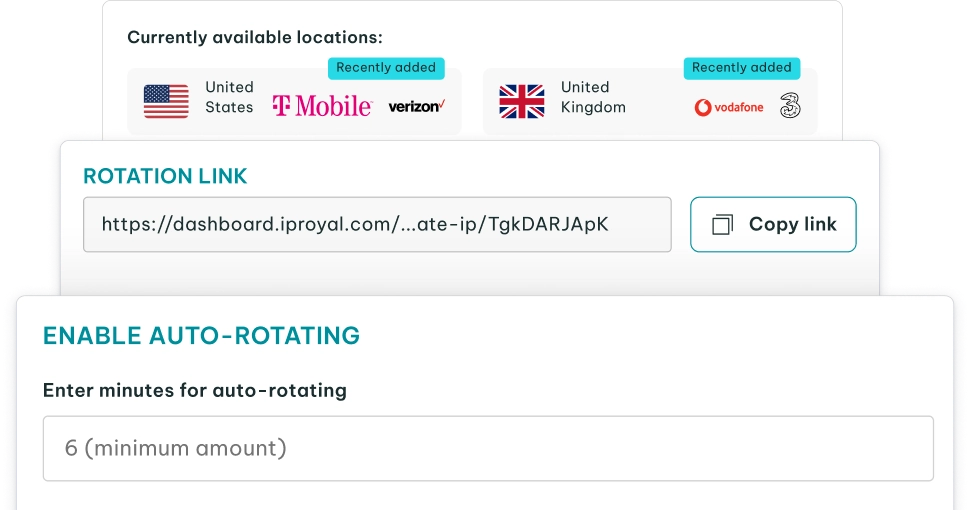
Mobile proxies route your internet traffic through cellular networks, such as 3G, 4G, and 5G, assigned by mobile carriers to real smartphones and tablets.
Websites highly trust mobile networks because cellular carriers assign the same public IP address to thousands of users simultaneously. Web servers rarely block these IPs to avoid accidentally banning a massive pool of real customers.
This high trust score makes mobile proxies effective against strict anti-bot systems. They’re useful for mobile app testing, ad verification, and managing accounts on mobile-first social media platforms that closely monitor network signatures.
Because maintaining cellular hardware is expensive, mobile proxies are the costliest option.
How to Choose the Right Residential Proxy Type
The right proxy depends entirely on your project requirements and budget. Use the table below to match your primary goal with the correct configuration:
| Need | Choose |
|---|---|
| Many different IPs | Rotating residential proxies |
| Same IP temporarily | Sticky residential sessions |
| Same IP long-term | Static residential / ISP proxies |
| Exclusive access | Dedicated ISP proxies |
| Lower cost | Shared residential proxies |
| Mobile-network traffic | Mobile residential proxies |
For projects with multiple requirements, look for combined configurations like dedicated static ISP proxies.
FAQ
Can one residential proxy type fall into multiple categories?
Yes. Because categories describe different features (behavior, access model, and network source), they frequently overlap. For example, you can purchase dedicated static ISP proxies or utilize shared rotating mobile proxies.
When should I use sticky sessions instead of static residential proxies?
Use sticky sessions when you need a consistent IP just long enough to complete a multi-step process, like creating an account or checking out of a store, before moving to a new IP. Choose static ISP proxies when you need to manage a single persistent identity for months, such as running a merchant account or a primary social media profile.
Are dedicated residential proxies always static?
Usually, yes. When you purchase a dedicated ISP proxy, you are paying for exclusive long-term access to a specific datacenter-hosted IP address, which inherently makes it static. Some premium enterprise providers do offer dedicated pools of rotating IPs where the rotation happens within a closed network exclusive to you, but this is rare and expensive.
Which residential proxy type should I avoid for long account sessions?
Avoid per-request rotating residential proxies. If your IP address changes with every click or page load while logged into an account, security systems will immediately flag the rapid geographic jumps as unnatural and block the session or ban the account.
Do shared residential proxies affect IP reputation?
They can. Because multiple users access the same pool, the actions of others dictate the trust score of the IP you receive. If another client uses a shared IP to spam a specific website and gets it blacklisted, you will likely face CAPTCHAs, timeouts, or blocks if you try to target that same site.
What are the legal and ethical considerations of using residential proxies?
Residential proxies are legal for accessing public data, but legality varies by region and specific use cases. Using residential proxies for illegal activities is prohibited, and scraping private websites with residential proxies is, in many cases, infringement. Always consult with a legal professional before engaging in any scraping. Furthermore, not all residential proxy services source their IP addresses ethically or legally, meaning ethical sourcing of residential proxies is also important for legality.