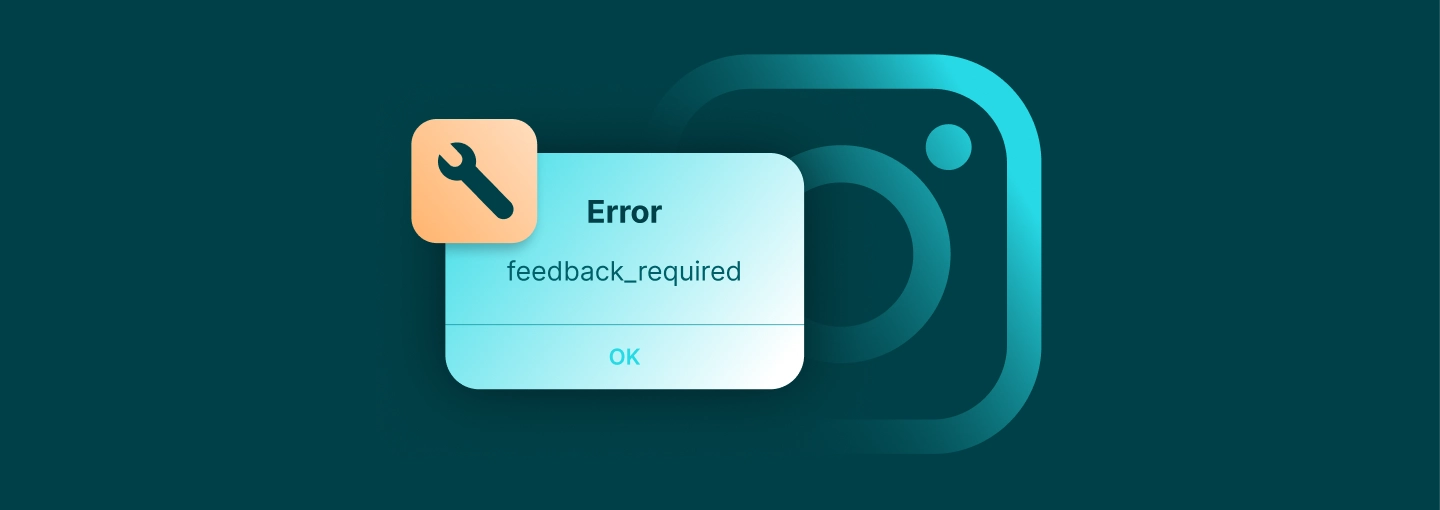
Instagram Feedback Required Error: Causes, Fixes, and Prevention
WebsitesLearn what triggers the Instagram “feedback required” error, how to quickly fix this temporary action block, and the best practices to keep it from coming back.

Arevika Ambarcumian
Key Takeaways
-
Taking a 24-hour break from the app clears most temporary blocks.
-
Avoid sharing IP addresses across multiple profiles or using cheap proxies.
-
Keeping your daily actions below Instagram’s rate limits is the single best way to prevent the error.
If you run into the “feedback required” error on Instagram, it simply means the platform has put a temporary hold on your account activity, not that your account is gone for good. While a wide range of actions can trigger this restriction, getting it resolved is usually straightforward. The most important step, however, is figuring out what caused the block in the first place so you can prevent it from happening again.
In this guide, we’ll cover exactly what causes this block and how to fix it right now. You’ll also learn the technical tweaks needed to keep it from coming back.
What Does “Feedback Required” Mean on Instagram?
When you see the “feedback required” error, it means Instagram has detected an unnatural pace in your actions. As a result, the system forces a temporary cooldown period to give your account a rest.
You might see the “feedback required” text, or you could run into a few variations that usually point to the same problem:
- “Server error feedback required”
- “Try again later”
- “Sorry, we couldn’t complete your request”
They usually lift fast, but if you keep trying to force actions while blocked, you will reset the timer and risk a longer ban.
Why Instagram Triggers the Feedback Required Error
Fast and Repetitive Account Activity
Scrolling and liking posts might feel like normal browsing, but interacting at an unusually fast pace will trigger Instagram’s security measures. For example, if you leave the exact same comment on multiple posts in just a few minutes, it will almost certainly result in a temporary block.
The platform watches for specific patterns that scream automation:
- Executing lots of follows within a single hour
- Liking multiple posts per second without pausing to look at them
- Dropping the exact same string of emojis on dozens of reels
Pushing these aggressive limits tells the backend servers that a script took over your profile.
Spammy or Repeated Content
Sending identical promotional pitches via bulk direct messages alerts the system immediately. While spamming thirty hashtags might tank your reach, it’s the copy-pasting of identical captions and promotional DMs that triggers the actual “feedback required” action block. Spam filters actively hunt for this exact type of repetitive text.
Suspicious Network, IP, and Device Changes
If you run your traffic through cheap, overcrowded datacenter proxies or unreliable free VPNs, you share your IP with thousands of other Instagram users who might be spamming the platform. Instagram flags these IPs and will instantly block any Instagram account associated with them.
Third-Party Apps and API Abuse
Linking your profile to unauthorized scheduling or follower-tracking apps allows outside software to run actions in the background. When these tools try to do too much at once, Instagram immediately blocks the connection and displays the “feedback required” error as a security measure.
Instagram App or Server Issues
Sometimes you do absolutely nothing wrong, and the platform simply experiences a massive backend infrastructure update. A corrupted cache or a glitch in the latest version of the Instagram app can cause requests to loop endlessly behind the scenes. To protect its servers from this accidental flood of duplicated calls, Instagram automatically issues a “feedback required” error.
How to Fix the Instagram Feedback Required Error
Pause Activity and Wait It Out
The best thing you can do when you hit this wall is close the app and put your phone down. Doing that for 24 to 48 hours gives the system’s timer enough time to reset and clear the error without forcing you to jump through complicated technical fixes.
Restart and Update the Instagram App
Killing the app entirely and forcing a fresh launch clears out any hung processes that might be spamming the servers with background requests. Downloading the newest version from the App Store or Google Play patches up any known glitches that might cause the app to misfire and generate errors on a healthy profile.
Clear Cache and Temporary Data
Smartphones hold onto temporary files to load images faster, but when those files become corrupted, they can confuse the authentication servers.
You can wipe this slate clean depending on your operating system:
- Android: Go into your system settings, tap on the storage options for Instagram, and hit the “Clear Cache” button.
- iOS: Delete the app entirely and reinstall it from scratch to flush the stored data.
- Desktop: Go into your browser’s privacy settings and clear your cookies, which strips away broken session tokens.
Switch Network or Change IP Address
Once you turn off your Wi-Fi and begin using mobile data, your device gets a new IP address, which bypasses router-level restrictions.
You should also avoid public Wi-Fi networks since you’ll be sharing an IP address with strangers who can easily get your Instagram account blocked due to someone else’s automated or suspicious activity.
If your plan is to manage multiple accounts at the same time, think about investing in dedicated mobile proxies , as they will keep the profiles isolated and prevent network-level security triggers.
Log Out of All Devices and Review Account Security
Go to your security settings and select the option to log out every recognized device forcefully. Then, update your password and turn on two-factor authentication to make sure that you’re the only one with access to your accounts.
Revoke Problematic Third-Party Apps and Automation Tools
Clear your profile of sketchy follower trackers and any other unauthorized third-party automation tools that may cause issues. Removing anything you do not trust instantly stops those background programs from triggering errors.
Contact Instagram Support
While waiting resolves the vast majority of these blocks, if your profile remains frozen solid after 48 hours, you need to escalate the situation. Submitting a bug report logs your issue in their system. You likely won’t get a personal reply from a human, but it can help trigger an automated review to unstick your profile.
How Long Does the Error Last?
Knowing when the block will lift keeps you from panicking over a minor mistake. The penalty time scales depending on how hard you pushed the limits:
- Minor infractions clear up in a matter of minutes or a couple of hours at most.
- Moderate violations keep you locked out for roughly 12 to 24 hours.
- Pushing the boundaries repeatedly earns you a severe block that lasts 48 hours or longer.
If you repeatedly try to force actions to see if the error is gone, you risk extending the penalty. Patience is your best strategy here. Seeing this error message persist for several days usually means Instagram has fundamentally flagged your IP address or a connected third-party app.
At that point, you’ll need to review your setup and disconnect any unapproved tools thoroughly.
Preventing the Feedback Required Error
Don’t Act Like a Bot
Space out your likes, comments, and follows throughout the day to mirror genuine Instagram user behavior instead of doing everything within a few minutes. You can easily build a natural activity pattern by mixing your actions: watch a few stories, write a thoughtful comment, and scroll your feed before liking more posts.
Keep in mind that new Instagram accounts are monitored more strictly, so keep your daily interaction limits low for the first few weeks to ensure you do not trigger an immediate block.
Set Safe Limits When Using Automation Tools
Using scheduling automation tools without setting careful daily and hourly limits is a quick way to get your account restricted. If you do rely on automation, be sure to introduce randomized delays between actions so your behavior doesn’t look completely predictable.
Running these automation tools constantly or pushing them past Instagram’s normal limits creates an obvious pattern that will quickly trigger a flag on your account.
Maintain Clean IP and Device Hygiene
Running your traffic through free VPNs or heavily abused datacenter proxies is almost guaranteed to result in the Instagram error being thrown at you. You build trust by tying your logins to a consistent location that matches your account history.
If you manage multiple accounts, you need to isolate each account by using premium residential, mobile, or ISP proxies. This makes managing multiple Instagram accounts much safer and significantly reduces the risk of overlapping rate limits.
Keep the Instagram App and Devices Up to Date
Using outdated software is a common but easily avoidable cause of these Instagram errors. Since developers regularly update their systems, you should always keep the Instagram app and your phone’s OS up to date. It will make sure that your device connects cleanly to Instagram’s servers, preventing the bugs and glitches that often trigger false-positive action blocks .
Respect Instagram’s Community Guidelines
Buying lists of fake followers or participating may give you a quick bump in numbers, but in the long term, it will do you more harm than good since Instagram’s systems are designed to detect fraudulent activity. You may even end up with a permanent ban for using these tactics.
Conclusion
To avoid these temporary blocks, you need to pace your interactions so they’re similar to authentic user behavior. It may be tempting to get everything you need in an hour, but slow and steady wins the race in this case. Make sure you take the precautions mentioned in the article, and you should be able to bypass these errors altogether.
FAQ
Is the Instagram “feedback required” error a sign that my account is permanently banned?
No. This Instagram error is strictly a temporary pause designed to stop bot-like behavior. Once the cooldown period ends, your account will be back to normal.
Can the feedback required error reduce my reach or shadowban my Instagram account?
A single error won’t hurt your reach. However, repeatedly hitting these rate limits tells the algorithm your account might be spammy, which can lead to suppressed content or a shadowban until you clean up your activity.
Does getting the feedback_required error mean my IP address is banned?
It usually means your current network connection (like your home Wi-Fi) is temporarily flagged. Switching to mobile data gives you a fresh IP address, which is why it often instantly bypasses the block.
Why do I only see the feedback required error on the Instagram app but not on desktop?
The mobile app and the desktop website communicate with Instagram’s servers differently. A corrupted app cache or a glitch on your phone can trigger the error there, while your web browser remains entirely unaffected.
What should I do if the feedback required error keeps coming back every few days?
If the Instagram error keeps returning, it’s time to review your connected apps and daily habits. Disconnect any unapproved third-party tools, stop using cheap VPNs, and slow down your daily interactions. If you manage multiple accounts, avoid doing heavy liking or following on all of them at the exact same time from the same Wi-Fi connection.